
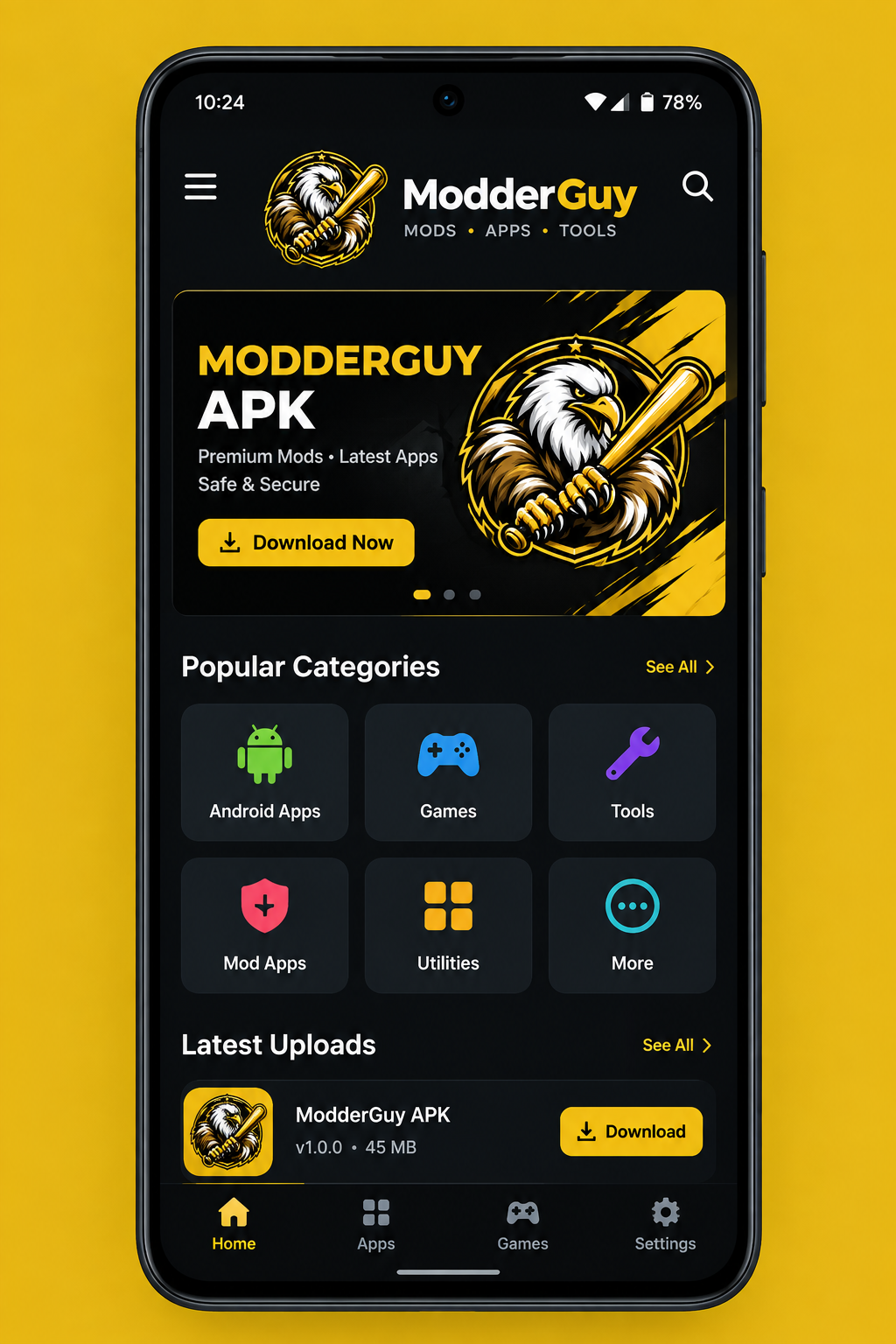
DOWNLOAD GUIDE

Modderguy Download & Installation Guide

Follow a careful process before installing any APK file on Android.

Before You Download

Confirm the exact app name and version, identify a trustworthy distribution source, and check compatibility with your Android device. Avoid files that have been repackaged by unknown publishers or that request excessive permissions.

Installation Steps

  1. Verify the file source and version.
  2. Scan the file with your device's security tools where available.
  3. Open the APK and review the installation prompt.
  4. Check requested permissions before accepting.
  5. After installation, review permissions again in Android settings.
Security reminder: Modderguy does not ask you to disable device security or install unrelated software. If a download page makes unusual requests, stop and verify the source.

After Installation

Keep Android updated, remove old APK files you no longer need, and use the application's settings to review permissions and data usage. If the app behaves unexpectedly, uninstall it and investigate the source before reinstalling.